Since master passwords rely on the system date, forcing the clock back to the year 2000 makes it easy to guess the default password.
Some DVRs have a hidden reset function that can be accessed using the front panel buttons. This is a safer option to try before opening the device.
Leave the battery out for to ensure the internal capacitors fully drain.
Continue holding for . The DVR should beep or reboot, indicating the settings (including the password) have returned to factory defaults. 3. The CMOS Battery Method
Open the mobile surveillance app linked to your DVR (such as XMEye, BitVision, or the official Tronitek companion app).
Use the local monitor attached to the DVR. Go to Menu > Network > TCP/IP . Write down the IP (e.g., 192.168.1.108 ).
The system time should now display a factory default year (often 2000 , 2012 , or 2015 ).
Tronitek Dvr Admin Password !free! Jun 2026
Since master passwords rely on the system date, forcing the clock back to the year 2000 makes it easy to guess the default password.
Some DVRs have a hidden reset function that can be accessed using the front panel buttons. This is a safer option to try before opening the device.
Leave the battery out for to ensure the internal capacitors fully drain.
Continue holding for . The DVR should beep or reboot, indicating the settings (including the password) have returned to factory defaults. 3. The CMOS Battery Method
Open the mobile surveillance app linked to your DVR (such as XMEye, BitVision, or the official Tronitek companion app).
Use the local monitor attached to the DVR. Go to Menu > Network > TCP/IP . Write down the IP (e.g., 192.168.1.108 ).
The system time should now display a factory default year (often 2000 , 2012 , or 2015 ).
Tronitek Dvr Admin Password !free! Jun 2026
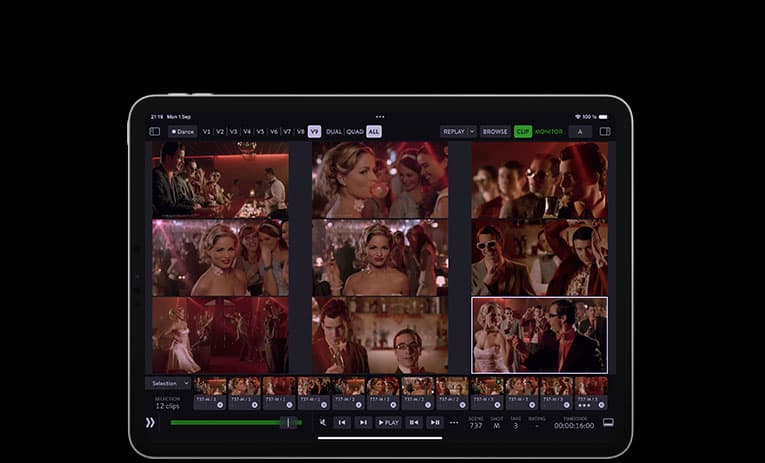
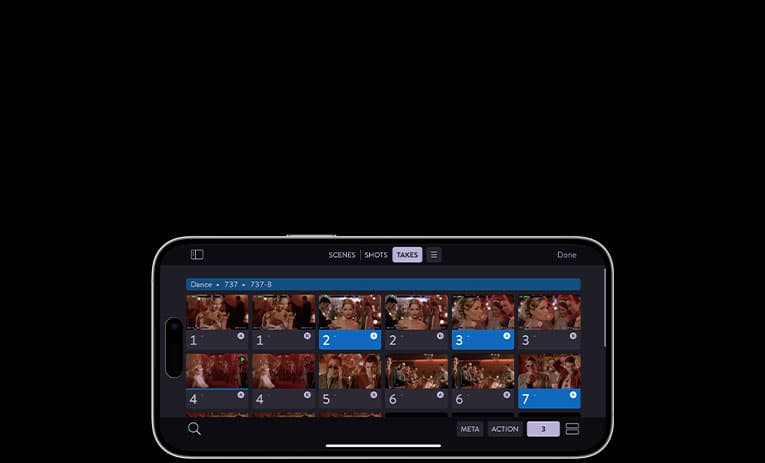
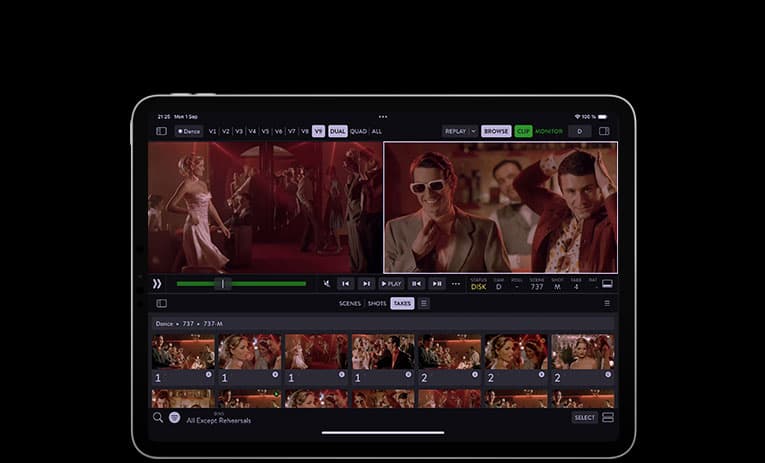
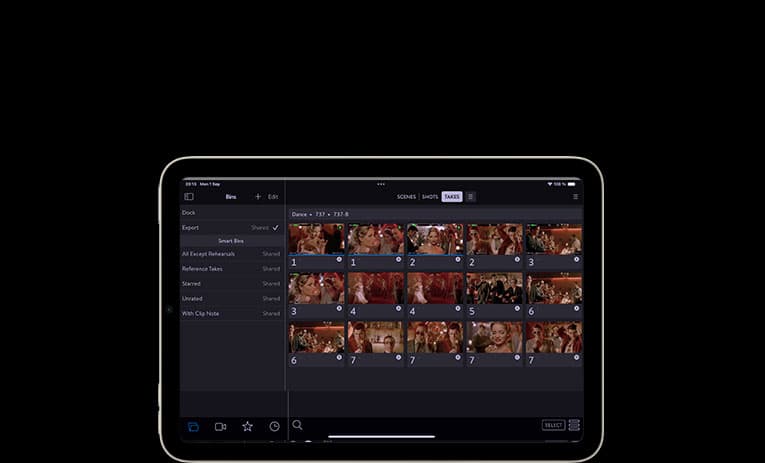
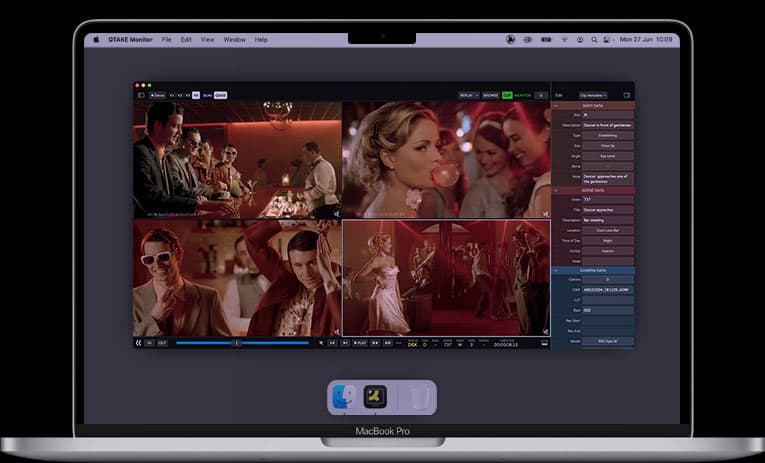
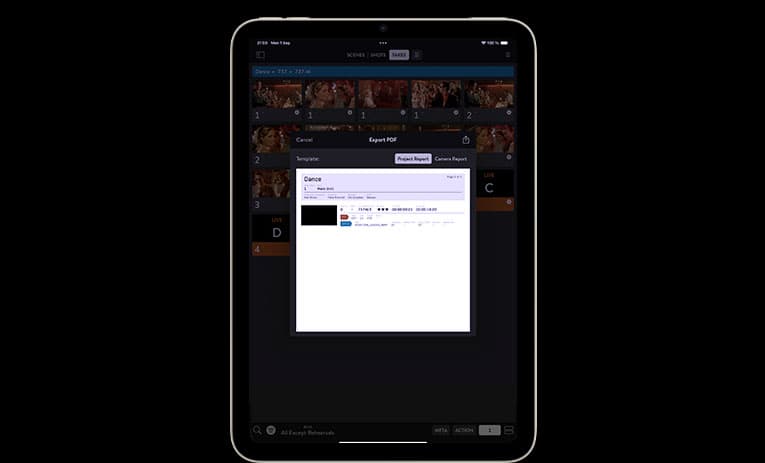
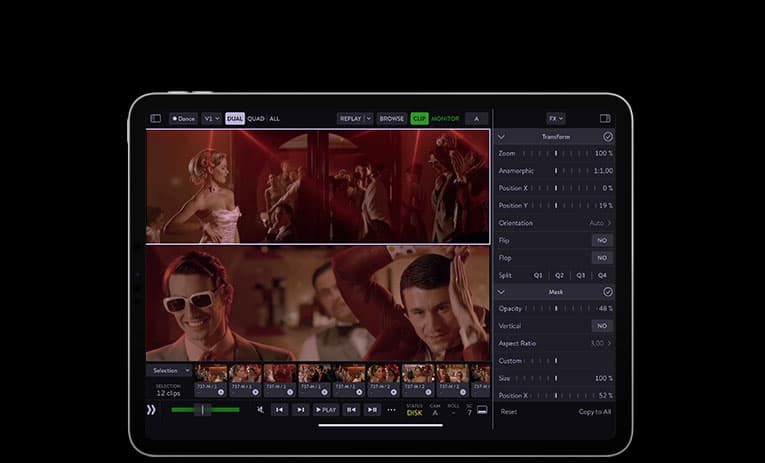
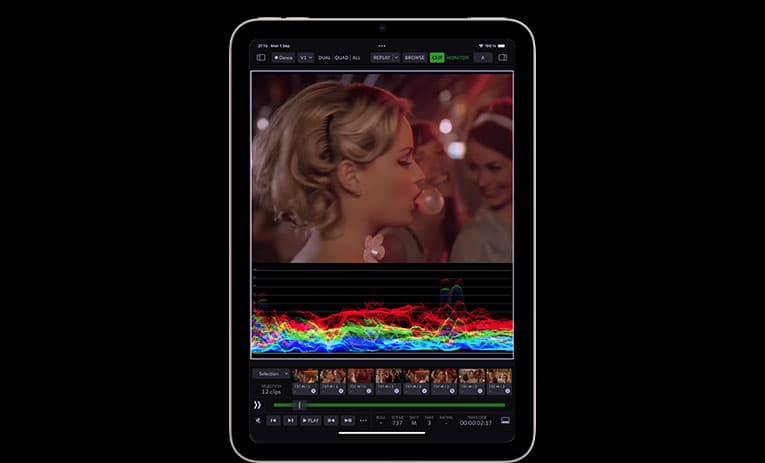
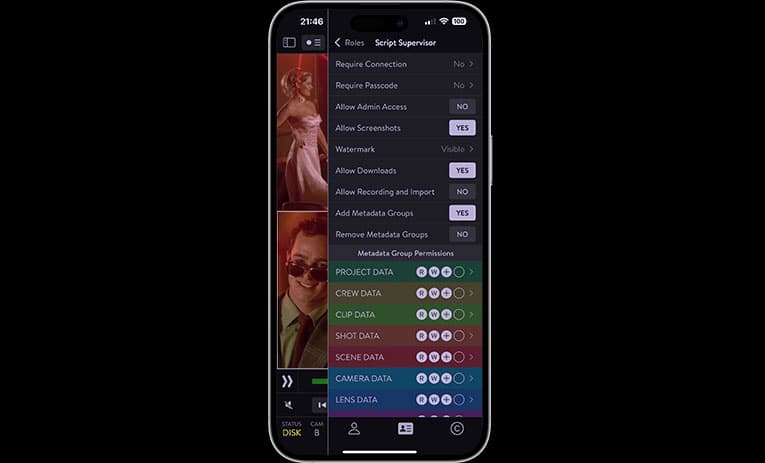
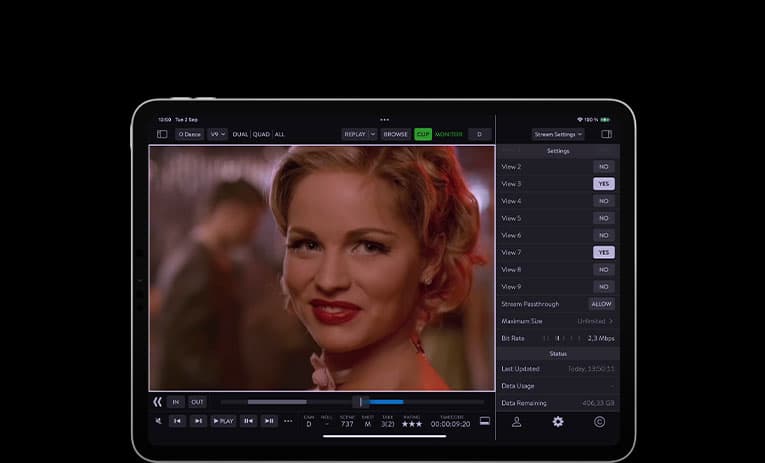
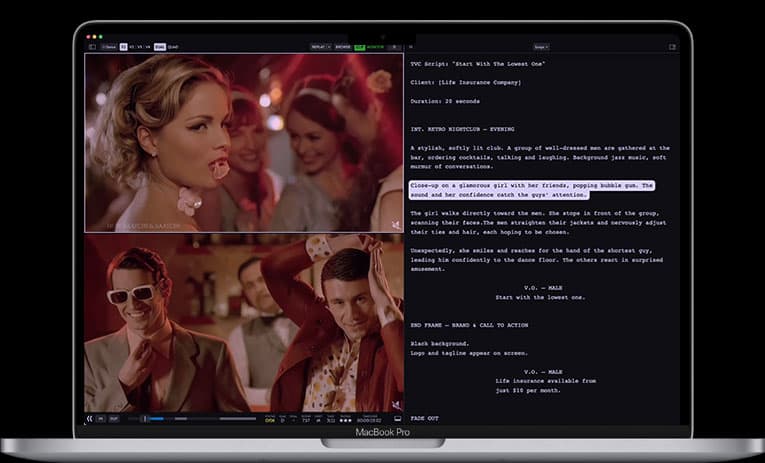
QTAKE Monitor is available for free on the App Store and can be installed on your iPhone, iPad, or Mac.
If you prefer a bigger screen or an immersive experience, it's also available for Apple TV and Apple Vision Pro!