
Siemens S7 | 300 Password Unlock Exclusive |top|
Siemens S7 | 300 Password Unlock Exclusive |top|
Siemens S7 | 300 Password Unlock Exclusive |top|
Start Your Free Trial
Learn more...



Learn more...
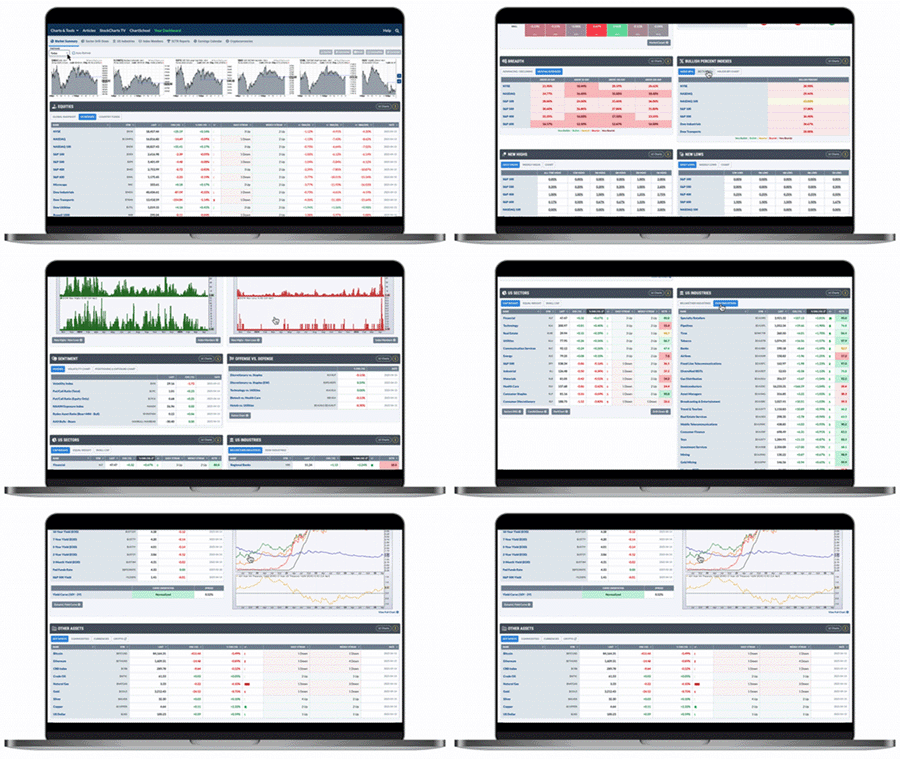
Everything you see on StockCharts is designed with one goal in mind: to help you succeed in the markets.
Our charting and analysis tools, portfolio management resources, and comprehensive data coverage deliver a complete package that can be uniquely tailored to fit any approach. That's why millions of investors around the globe have made StockCharts their trusted financial analysis platform for more than two decades.
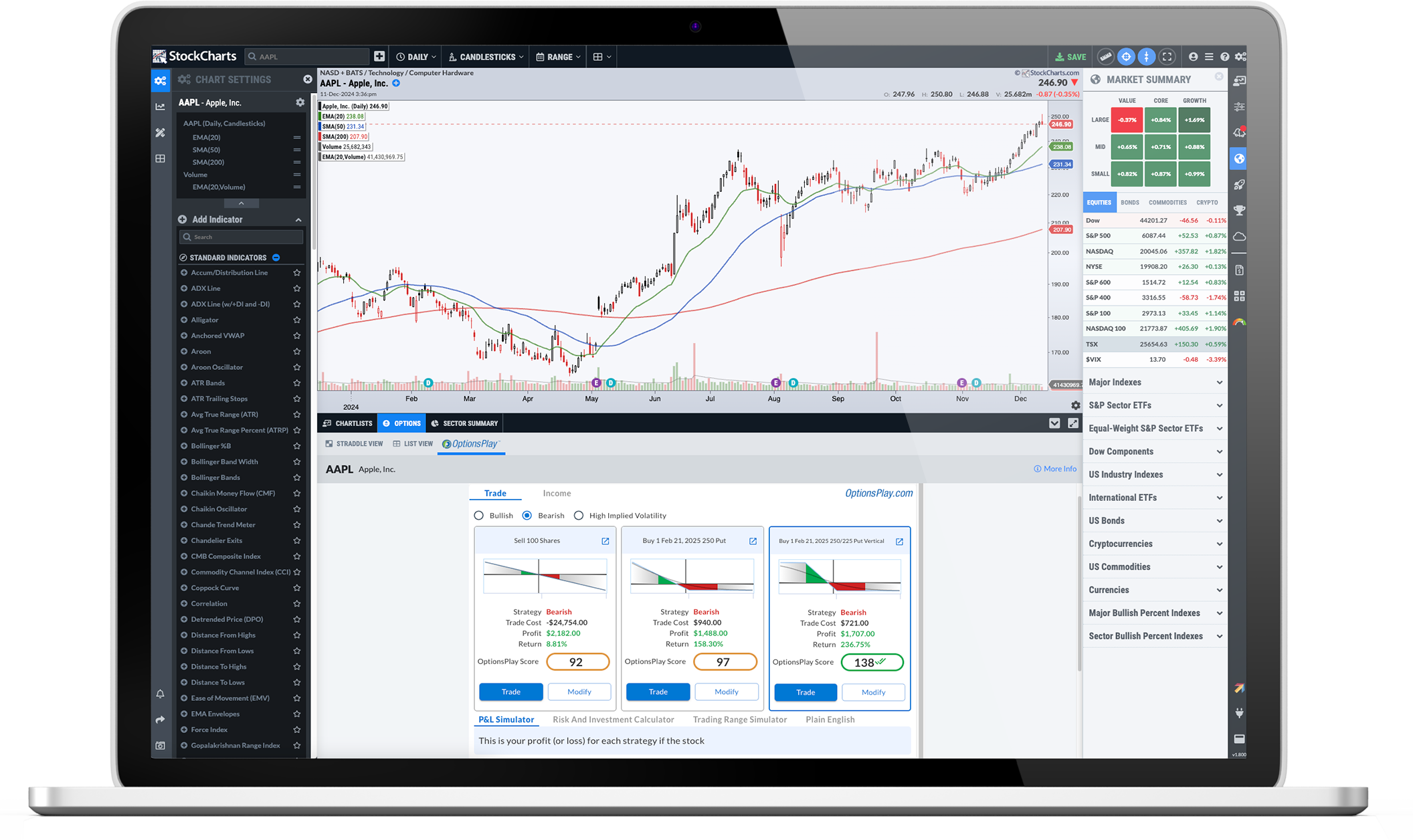
From simple candlesticks to advanced technical visualizations, our award-winning charting tools help you see the markets clearly. Compare symbols over multiple timeframes, choose from dozens of powerful indicators, and customize your charts to suit your personal trading or investing style.
Whether you're looking for stocks making new highs or searching for complex setups that combine multiple technical indicators, our advanced market scanning tools give you the power find promising new trade targets or investment opportunities faster than ever before.
Stay ahead of the markets and on top of your portfolio with custom, automatic alerts for all of the symbols you're following. From simple price alerts to advanced combinations of specific technical and fundamental criteria, our custom alert features will help make sure you never miss a thing.
And that's just the tip of the iceberg. Our rich feature set provides comprehensive coverage for every step of your investing journey, from trading tools like Scheduled Scans to portfolio management resources like ChartList Reports.
Explore More Features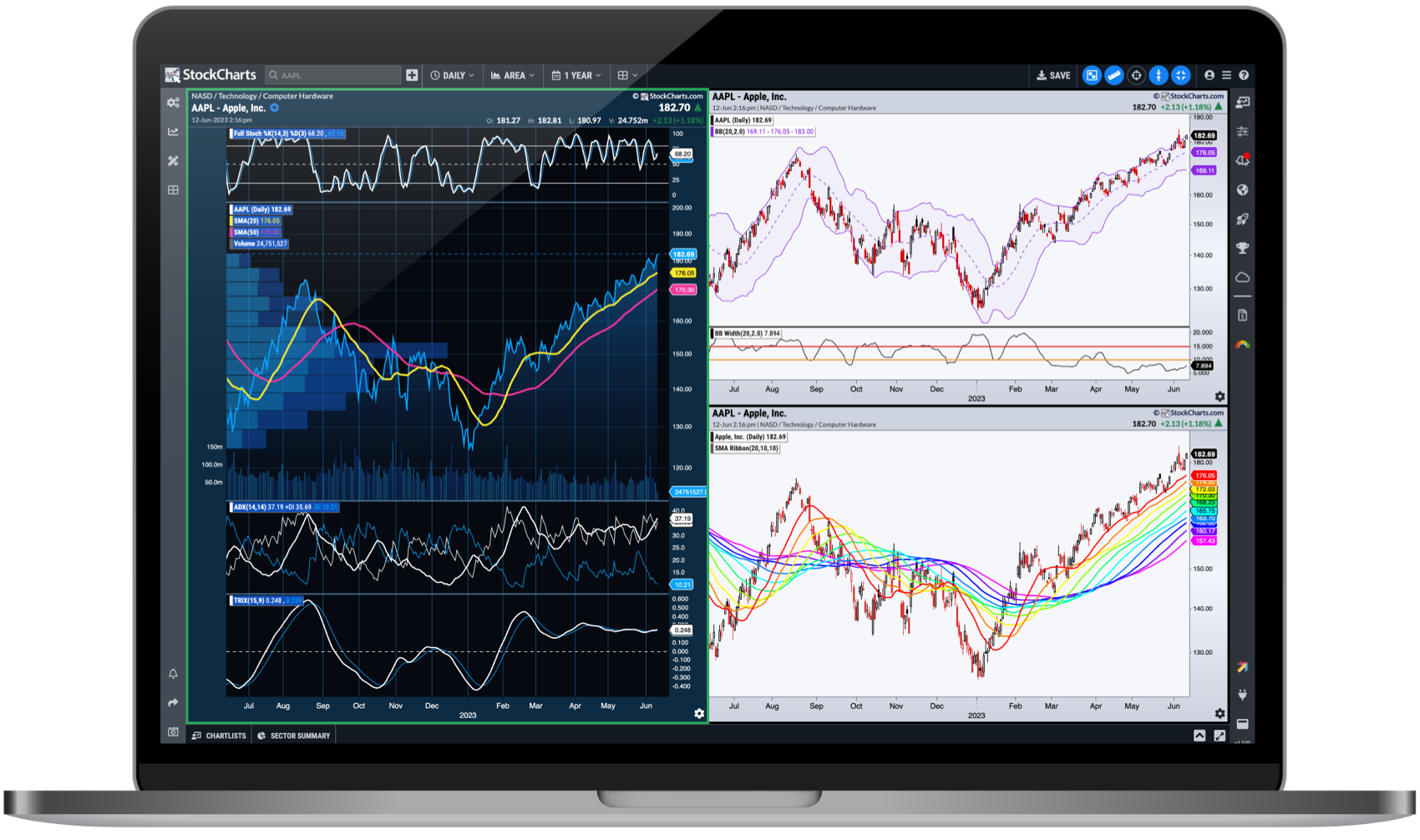
ACP is designed to redefine the way that you chart and analyze the financial markets, with more technical tools and capabilities than ever before.
Engage with the markets and your portfolio in entirely new ways with a highly-interactive charting experience that knows no bounds.
Every investor has different needs and ACP is designed to support them all, with a wide array of technical indicators and overlays, customizable multi-chart layouts, additional data views, and much more.
ACP brings you the web's most advanced technical charting platform, seamlessly integrated with the rest of the StockCharts feature set to create an unrivaled analysis and portfolio management toolkit.
Unlocking a Siemens S7-300 PLC depends on the level of protection applied. There is no official "exclusive" bypass tool provided by Siemens for forgotten passwords; instead, standard recovery involves factory resets or specific software procedures. 1. Access Protection (CPU Password)
Highly effective if the password is simple or standard. B. Specialized S7-300 Unlock Software
: Navigate to block address 0x00200 or look for block SDB0 . Step 7 : Extract the 8-character password string string. 2. Block Protection Bypass
The Siemens S7-300 Password Unlock Exclusive: Recovery and Security siemens s7 300 password unlock exclusive
无论是为了破解还是防范,首先必须深刻理解S7-300的密码保护原理。S7-300系列PLC的密码保护机制并非铁板一块,它存在多种模式与层次。
The S7-300 stores its program, hardware configuration, and passwords on a proprietary Micro Memory Card (MMC). The password hash is stored within specific system data blocks (SDBs) on this card.
西门子作为设备制造商,其产品安全设计的核心原则之一是。因此,在官方的Siemens工业支持论坛上,任何关于“在不删除程序的情况下找回密码”的询问,官方及资深工程师给出的标准答案通常是: Unlocking a Siemens S7-300 PLC depends on the
The block contains a flag string DB_WH_CONF or KNOW_HOW_PROTECT .
Marko, a freelance automation engineer with a reputation for “reviving dead machines,” was hired through a shell company. The offer: €15,000 for one day’s work, no questions asked. All he had to do was extract the unprotected logic from the S7-300.
If you must recover the password to view or edit the existing program logic, you cannot use standard Siemens hardware to bypass the lock, as Siemens tools strictly enforce security boundaries. Instead, engineers use specialized external MMC card readers. Access Protection (CPU Password) Highly effective if the
Users can read and upload the program from the PLC to a PC without a password. However, modifying code or downloading changes requires authentication.
Tone and Audience
If you have the original project (e.g., .s7p file) or access via the original engineering workstation, you can remove or change the password: :
Suggested Short Edit (example opening paragraph)
Users can read and monitor the PLC code without a password, but modifying blocks or changing the CPU operating state requires authentication.
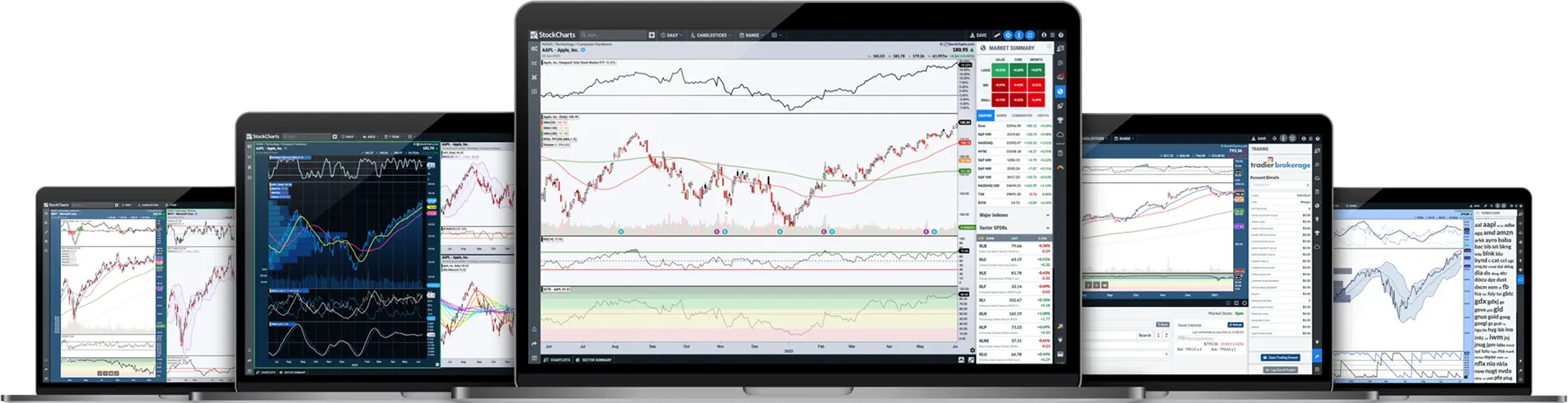
Upgrade your toolkit with our premium features now in less than 60 seconds.
Unlocking a Siemens S7-300 PLC depends on the level of protection applied. There is no official "exclusive" bypass tool provided by Siemens for forgotten passwords; instead, standard recovery involves factory resets or specific software procedures. 1. Access Protection (CPU Password)
Highly effective if the password is simple or standard. B. Specialized S7-300 Unlock Software
: Navigate to block address 0x00200 or look for block SDB0 . Step 7 : Extract the 8-character password string string. 2. Block Protection Bypass
The Siemens S7-300 Password Unlock Exclusive: Recovery and Security
无论是为了破解还是防范,首先必须深刻理解S7-300的密码保护原理。S7-300系列PLC的密码保护机制并非铁板一块,它存在多种模式与层次。
The S7-300 stores its program, hardware configuration, and passwords on a proprietary Micro Memory Card (MMC). The password hash is stored within specific system data blocks (SDBs) on this card.
西门子作为设备制造商,其产品安全设计的核心原则之一是。因此,在官方的Siemens工业支持论坛上,任何关于“在不删除程序的情况下找回密码”的询问,官方及资深工程师给出的标准答案通常是:
The block contains a flag string DB_WH_CONF or KNOW_HOW_PROTECT .
Marko, a freelance automation engineer with a reputation for “reviving dead machines,” was hired through a shell company. The offer: €15,000 for one day’s work, no questions asked. All he had to do was extract the unprotected logic from the S7-300.
If you must recover the password to view or edit the existing program logic, you cannot use standard Siemens hardware to bypass the lock, as Siemens tools strictly enforce security boundaries. Instead, engineers use specialized external MMC card readers.
Users can read and upload the program from the PLC to a PC without a password. However, modifying code or downloading changes requires authentication.
Tone and Audience
If you have the original project (e.g., .s7p file) or access via the original engineering workstation, you can remove or change the password: :
Suggested Short Edit (example opening paragraph)
Users can read and monitor the PLC code without a password, but modifying blocks or changing the CPU operating state requires authentication.
Visit our Support Center or contact our support team for answers and assistance.
Support Center